dsh-codex-pet
by Signalight
DSH 网页 GUI 实时桌宠:可把任何 Codex 桌宠图集(webp/png/gif,v1/v2 自动识别)转换为 DSH 中可拖拽的悬浮桌宠。支持拖拽/挥手/跳跃,v2 桌宠的眼睛实时追踪活动鼠标,随 agent 状态切换姿势;进度气泡反映工作状态;「设置 → 桌宠」图形界面可导入、切换与调整桌宠;内置一只原创示例桌宠(娜斯佳),用户桌宠存放在 ~/.dsh/pets。
DSH web-GUI pet runtime that renders any Codex spritesheet-atlas pet (v1/v2) as a draggable overlay: drag/wave/jump, v2 mouse-tracking eyes that follow the active mouse, live agent-status poses, progress bubbles, and an in-GUI atlas importer; ships one original CC BY-NC demo pet (nastya), and user pets live in ~/.dsh/pets.
安装
dsh plugin --profile web add github:Signalight/codex-to-dsh-pet#path:/packages/dsh-codex-petGitHub 源码安装:首次需按提示配置 allowBuilds 构建授权后重试
安装与环境配置指引、插件开发教程见 DSH 中文社区文档 ↗
安装即在你的机器上以你的权限运行第三方代码——它可读写文件、使用凭据、访问网络,DSH 的工具审批不会为插件代码加沙箱。「检测到 manifest」仅代表发现 dsh.bundle / dsh.plugin 清单,不构成兼容性或安全审查;安装前请审阅源码,不熟悉的插件先在不含密钥的环境试用。
预览截图
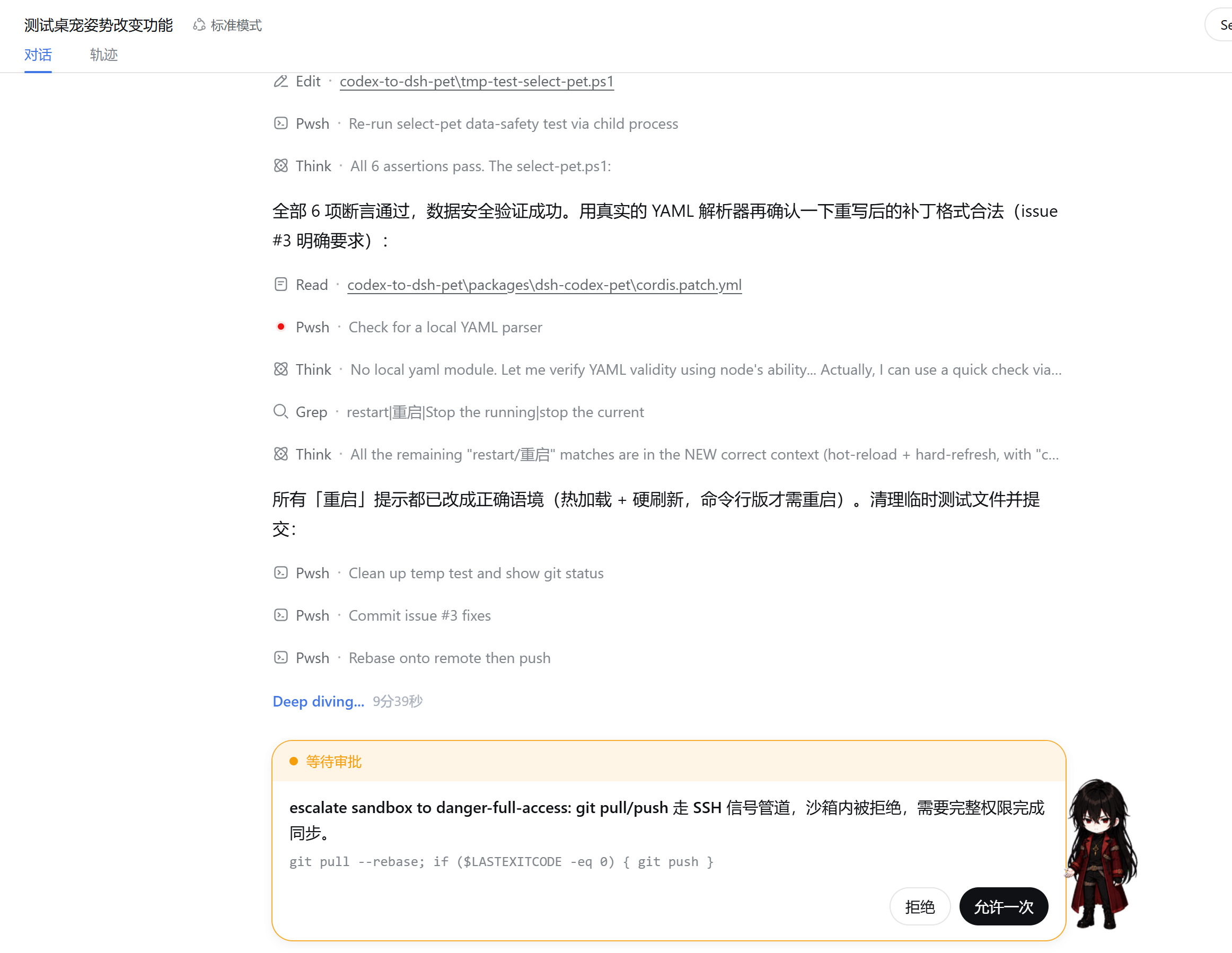
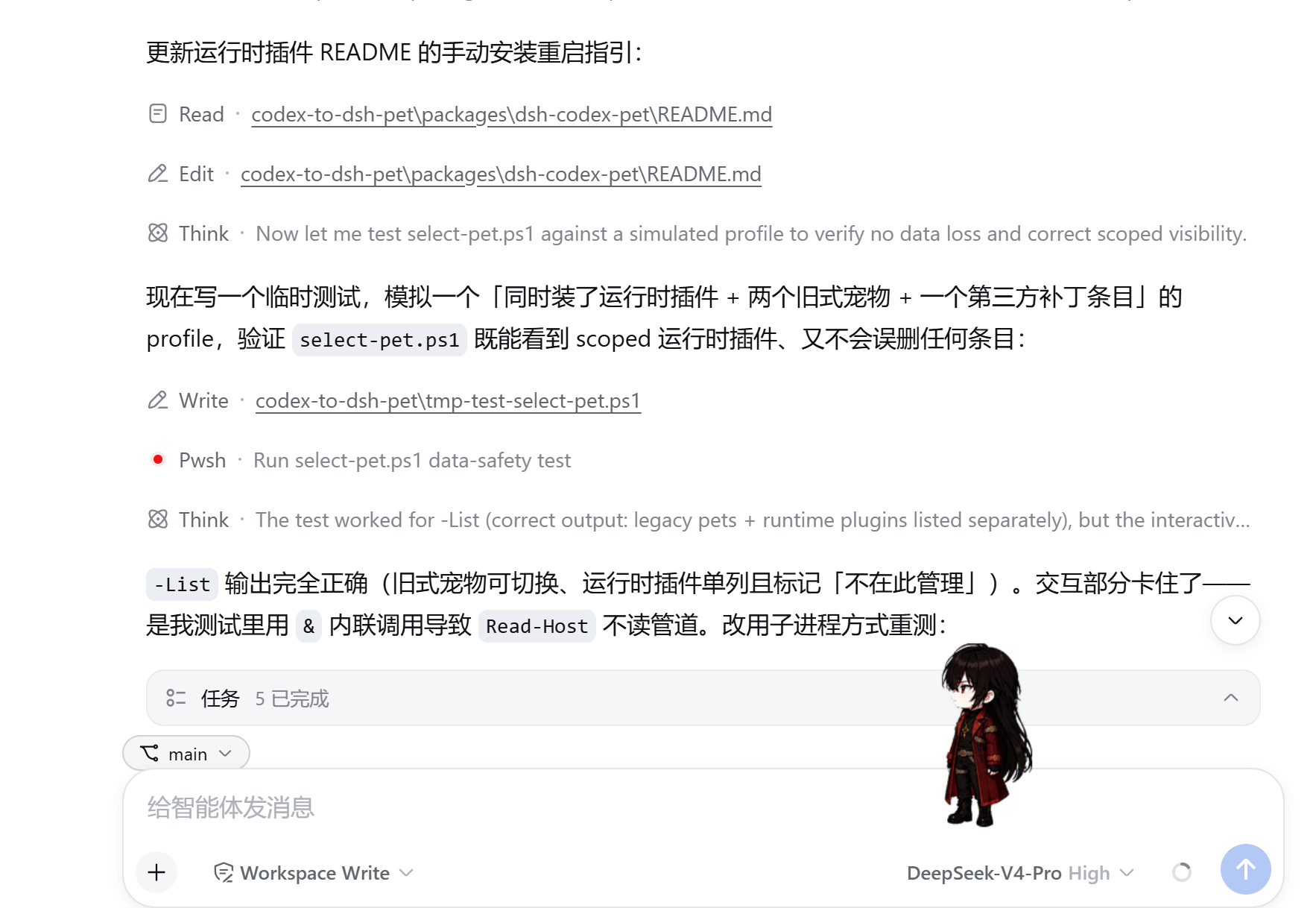
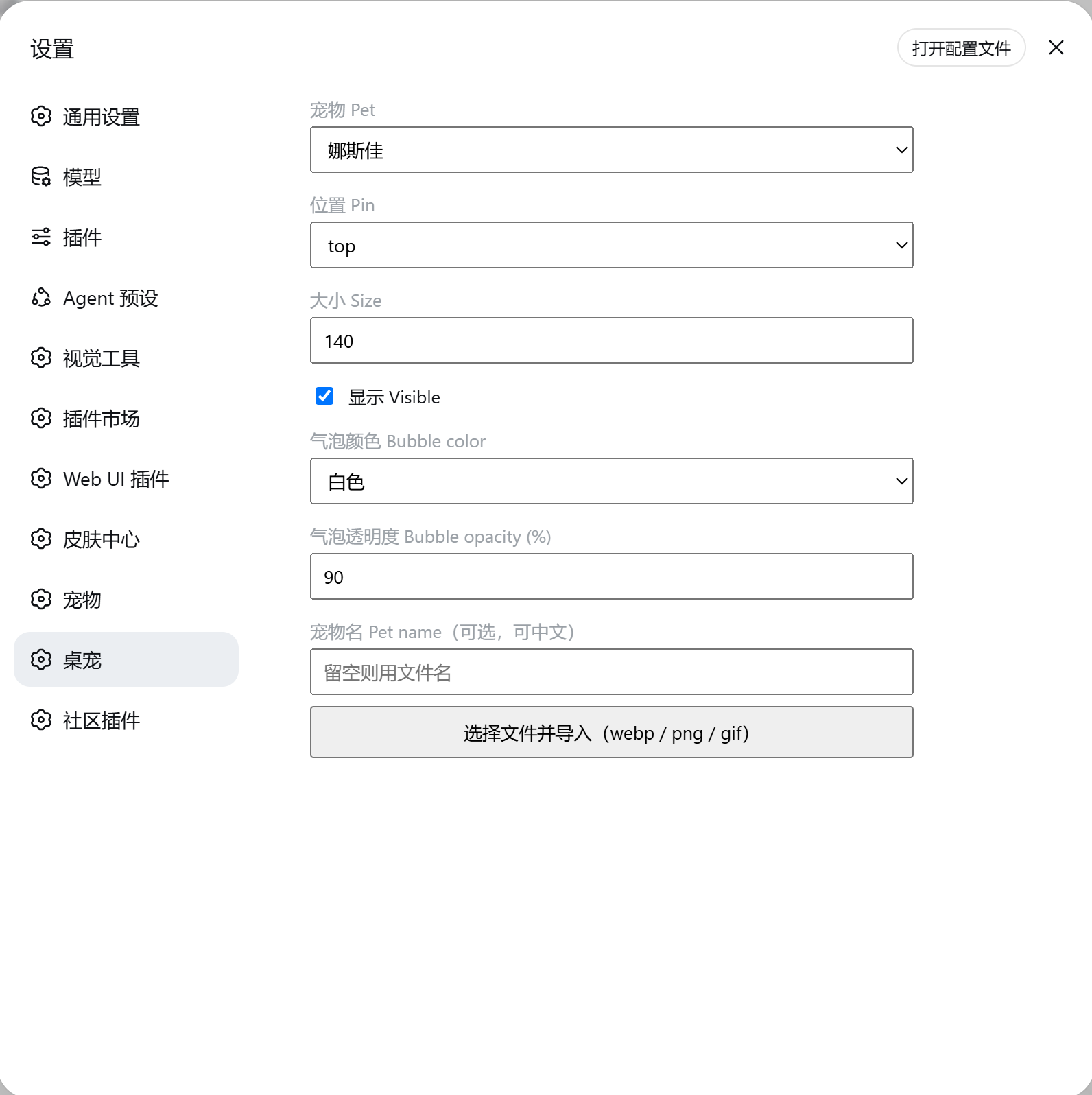
README
A DSH web-GUI pet runtime plugin — one plugin that renders any Codex spritesheet-atlas pet (v1 / v2) as a draggable desktop pet in the DeepSeek Harness web GUI.
It is the runtime half of the
codex-to-dsh-pet framework:
instead of building each pet into its own plugin bundle, you install this
plugin once, then add pets as plain data files — no per-pet code.
The plugin ships one built-in example pet
nastya(娜斯佳) — an original character (CC BY-NC 4.0, non-commercial) — so the registry is never empty. Seeassets/nastya/.
Features
- Renders Codex spritesheet atlases (8 columns × 192×208 cells):
- v1 (1536×1872, 9 rows) — auto-detected;
- v2 (1536×2288, 11 rows) — adds 16 mouse-tracking "look" cells.
- Draggable (position persists across restarts), wave-on-hover, jump-on-double-click.
- Live activity poses: idle / waiting / running / review, driven by the conversation state.
- Progress bubble showing the running tool name or the live model text tail.
- Zero per-pet code: the browser half is registry-driven from
/api/codex-pet/*.
Install
Recommended — one command (needs pnpm):
# from npm
dsh plugin --profile web add @signalight/dsh-codex-pet

# or straight from GitHub
dsh plugin --profile web add github:Signalight/codex-to-dsh-pet#path:/packages/dsh-codex-pet
Manual route (no pnpm): from the repository root run
.\install-runtime.ps1
This copies the package into ~/.dsh/profiles/node_modules/@signalight/dsh-codex-pet and
registers the plugin row in ~/.dsh/profiles/web/cordis.patch.yml. Then:
- Hard-refresh
http://127.0.0.1:3080(Ctrl+Shift+R) — the DSH profile hot-reloadscordis.patch.yml. If the pet still doesn't show, fully quit and relaunch the DSH desktop app (command-line users can restartdsh web).
Rollback: delete ~/.dsh/profiles/node_modules/@signalight/dsh-codex-pet and restore the
.bak next to the patch file.
Add a pet
A pet is a folder holding a pet.json manifest plus one atlas image. Drop it
into either source (user pets override built-ins on id collision):
- built-in:
packages/dsh-codex-pet/assets/<pet>/ - user:
~/.dsh/pets/<pet>/(survives plugin updates)
pet.json:
{
  "id": "nastya",
  "displayName": "娜斯佳",
  "description": "娜斯佳 Nastya — original character (CC BY-NC 4.0).",
  "spritesheetPath": "spritesheet.webp",
  "spriteVersionNumber": 2,
  "size": 120,
  "pin": "bottom-right"
}
Only id and spritesheetPath are required. spriteVersionNumber is
auto-detected from the image dimensions when omitted; size (px width) and
pin (top-left / bottom-right / …) default to 120 and bottom-right.
No manual editing needed: in the DSH settings surface open the «桌宠»
section and click 导入桌宠 (webp / png / gif) — the plugin writes the file
into ~/.dsh/pets/<name>/, auto-detects the atlas version, and selects the new
pet. The pet id comes from the filename (my-pet.webp → my-pet); if that id
is already taken the plugin appends a -2 / -3 suffix instead of
overwriting the earlier pet (all Codex atlases are named spritesheet.webp,
so without this every import would clobber the previous one). Re-importing the
same id with the same typed display name updates that pet in place.
Architecture
src/
├── index.js     host half: name/inject/apply, mounts service + routes
├── registry.js  scans assets/* + ~/.dsh/pets/*, normalizes Codex atlases
├── service.js   persisted selection + display config (~/.dsh/codex-pet.json)
├── routes.js    /api/codex-pet/* JSON API + /codex-pet/<id>/* assets
└── client.js    browser half: registry-driven overlay renderer
- Host half registers same-origin routes via the DSH web server
(
ctx.webServer.register), serving the pet list, state and atlas assets. - Browser half fetches
/api/codex-pet/state, renders the selected pet, mirrors drags back viaPOST /api/codex-pet/set-config, and seats asettings.sectionentry («桌宠») that edits the pet through the same API.
API
| Endpoint | Method | Purpose |
|---|---|---|
/api/codex-pet/pets |
GET | pet registry (list of definitions) |
/api/codex-pet/state |
GET | selected pet + display config |
/api/codex-pet/set-pet |
POST | { petId } — switch pet |
/api/codex-pet/set-config |
POST | { size?, pin?, left?, top?, visible? } |
/api/codex-pet/set-visible |
POST | { visible } |
/api/codex-pet/import?id=<filename>&name=<displayName> |
POST | raw image body — import a Codex atlas |
/codex-pet/<id>/<file> |
GET | pet.json + spritesheet assets |
Roadmap
- Settings section («桌宠» in the DSH settings surface: pet selector, show/hide, size, corner pin), backed by the plugin's own API.
- In-GUI import button (upload a Codex atlas → auto-detect → install → select).
- In-GUI preview before import (live canvas frame preview).
- Published to npm (
@signalight/dsh-codex-pet) +dsh-pluginGitHub topic.
License
MIT — see the repository root LICENSE.
原始 README: https://github.com/Signalight/codex-to-dsh-pet/blob/main/packages/dsh-codex-pet/README.md ↗
同类插件
查看全部 →
petdex
面向 Codex、Claude Code、DeepSeek Harness、Hermes、OpenCode、Gemini CLI 等的动画桌宠公共图鉴

dsh-ads
2005 年中文站点风格的整活广告插件:侧栏广告/信息流/角落弹窗 + 假关闭叉,素材全虚构。

whale-girl
桌面宠物(QQ 宠物形态):右下角悬浮、可拖拽/投喂/玩耍。

dsh-kun-like-pet
Kun Like 桌宠 —— DeepSeek Harness 桌面宠物插件:右下角小坤宠随 Agent 工作状态切换 9 种动作,任务完成播放「你干嘛~哎哟」

dsh-toy
DSH 的玩具控制协议

deepseek-pet
在你的deepseek-harness上养一只吃白饭的大蓝鲸