dsh-file-preview
by UndeadSheep
Web 客户端悬浮文件预览窗:懒加载文件树、CodeMirror 预览与窗内编辑保存、Markdown 与图片预览、Quick Open 搜索,以及点击会话中的路径直接打开。
Floating workspace file-preview window for the Web client: lazy file tree, CodeMirror preview and in-window edit with save, Markdown and image preview, Quick Open search, and opening paths clicked in the conversation.
安装
dsh plugin --profile web add github:UndeadSheep/dsh-file-preview#path:/packages/dsh-file-previewGitHub 源码安装:首次需按提示配置 allowBuilds 构建授权后重试
安装与环境配置指引、插件开发教程见 DSH 中文社区文档 ↗
安装即在你的机器上以你的权限运行第三方代码——它可读写文件、使用凭据、访问网络,DSH 的工具审批不会为插件代码加沙箱。「检测到 manifest」仅代表发现 dsh.bundle / dsh.plugin 清单,不构成兼容性或安全审查;安装前请审阅源码,不熟悉的插件先在不含密钥的环境试用。
预览截图

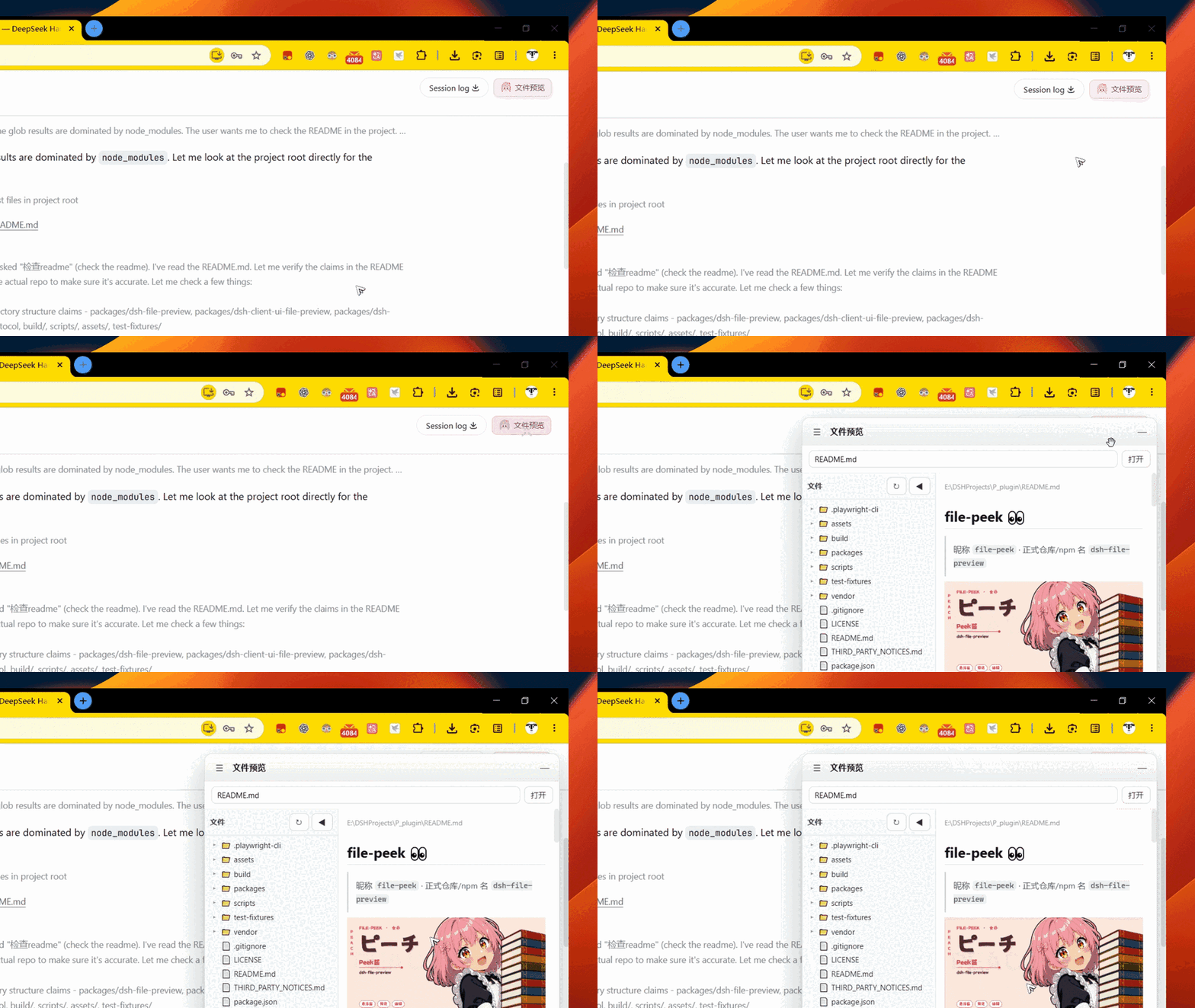
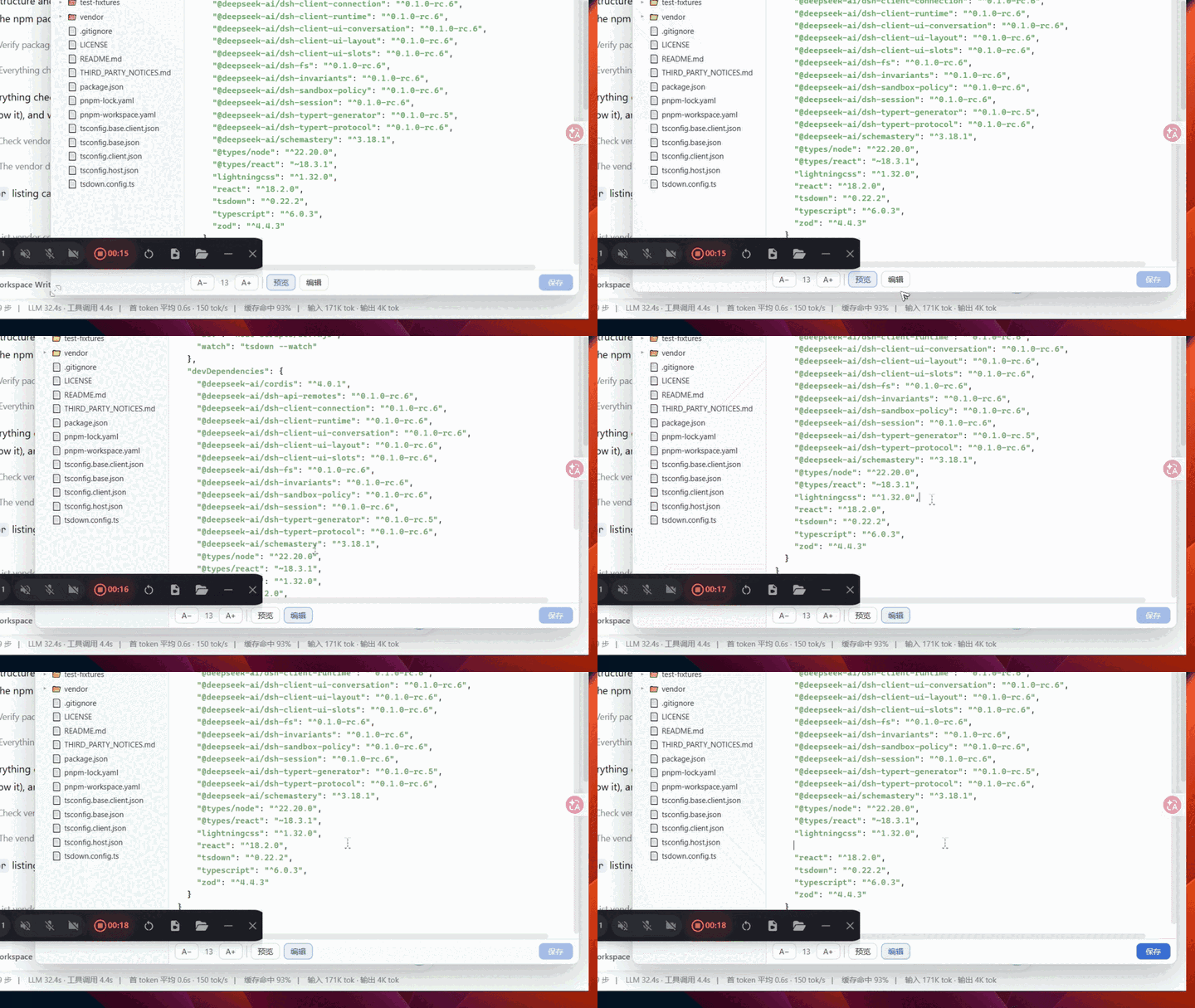
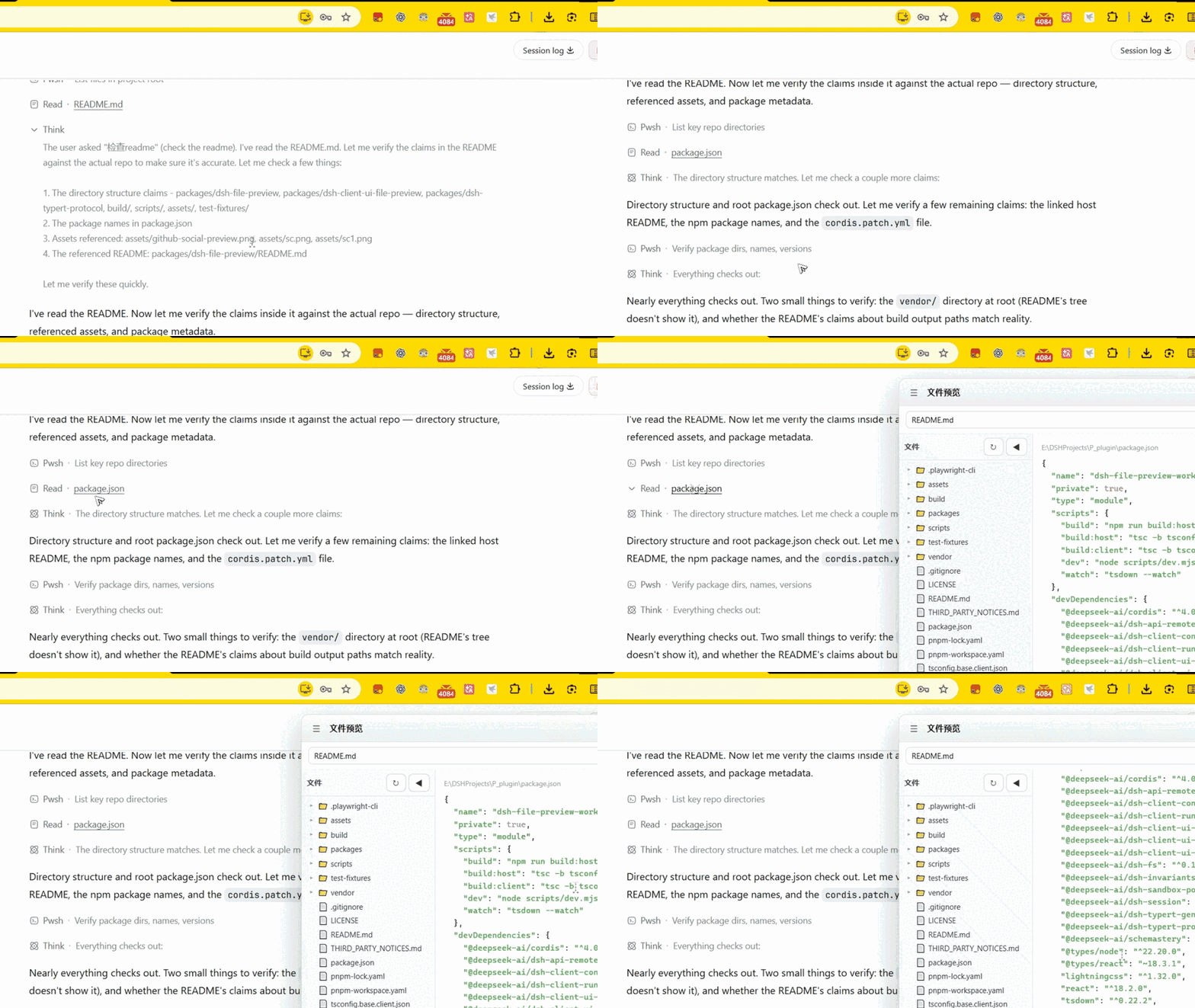
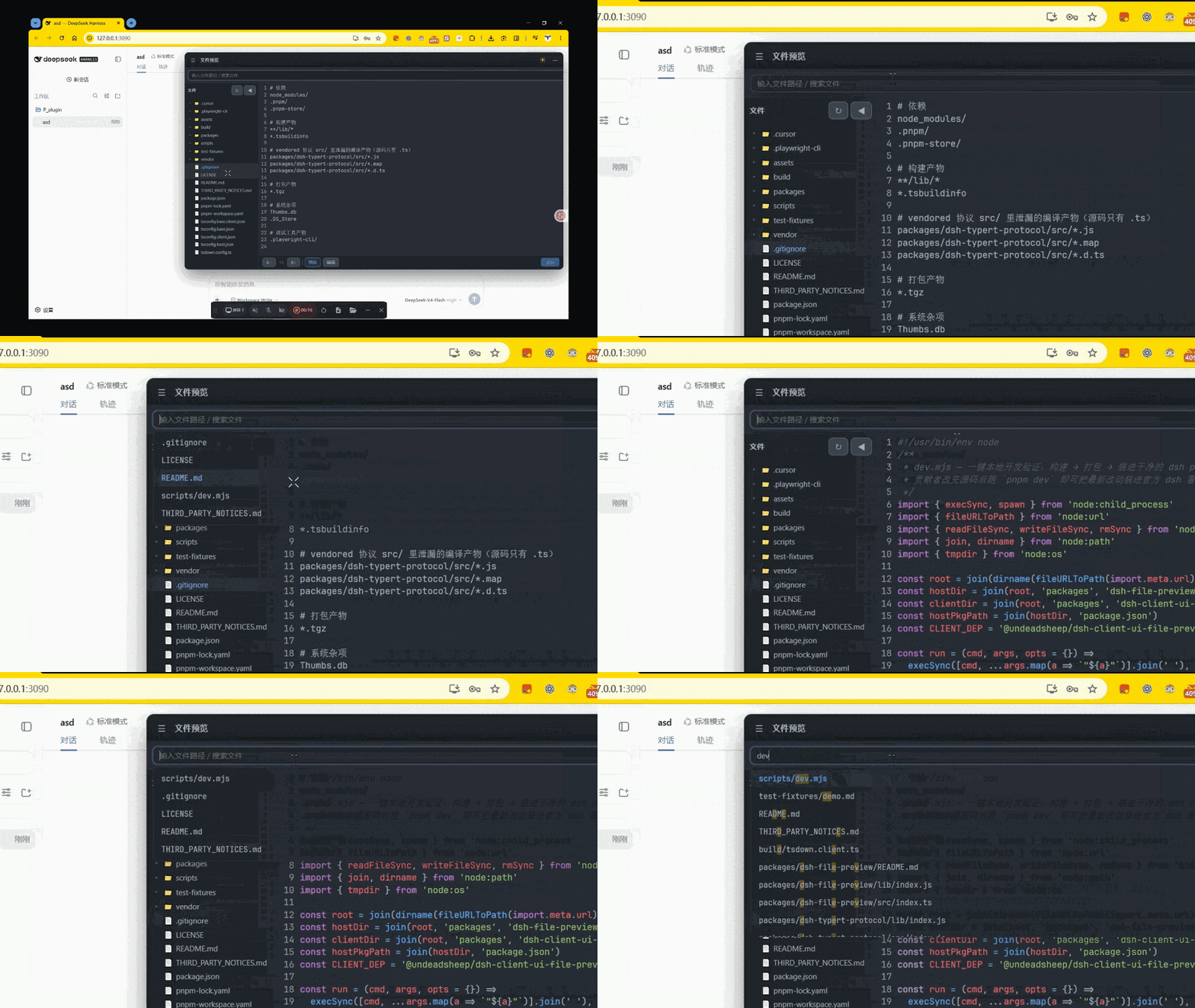
README
Workspace file-preview host half: a Typert Remote (filePreview) that lists the
workspace tree, reads/writes text files, and resolves the preview theme and config for
the browser half.
The browser UI lives in a separate package:
@undeadsheep/dsh-client-ui-file-preview.
Remote surface
| Method | Request | Result |
|---|---|---|
listDir |
{ sessionId, path } |
Ok<FileTreeNode[]> | Rejected |
readFile |
{ sessionId, path } |
Ok<{ path, content }> | Rejected |
readImage |
{ sessionId, path } |
Ok<{ path, mimeType, data }> | Rejected |
writeFile |
{ sessionId, path, content } |
Ok<{ path }> | Rejected |
readTheme |
{ sessionId } |
Ok<{ colors, bg, fg }> |
readConfig |
{ sessionId } |
Ok<{ indentSize, useTabs, pollInterval, fontSize }> |
Business results use the repo's { ok: true, value } | { ok: false, error: { code, ... } }
convention; the generated ./remote face wraps them in the RemoteResult carrier.
Wire codecs are generated from the @Remote method types by typert codegen — there is
no hand-written schema file.
listDir lists a single directory (path = '' for the workspace root) and skips
heavy/noise directories (node_modules, .git, .next, .ssh, …) plus sensitive
filenames (.env*, id_rsa*, *.pem, *.key, …). A single listing is capped at
1000 children. Dir nodes carry empty children, which the browser half fills lazily
by calling listDir again when a directory is expanded. readFile / readImage /
writeFile also refuse those sensitive paths, so typing them in Quick Open does not
bypass the tree filter.
Config
| Key | Default | Meaning |
|---|---|---|
maxFileBytes |
2097152 | Maximum UTF-8 byte length the preview will read or write |
maxImageBytes |
5242880 | Maximum byte length of an inline image the preview will read |
Workspace config files (read per Session, optional)
preview.config.json—indentSize,useTabs,pollInterval,fontSize(with.prettierrc/package.json#prettierfallback for indent knobs)preview-theme.json—keyword,string,number,comment,tag,function,type,variable,background,foreground.vscode/settings.json—editor.tokenColorCustomizationsandworkbench.colorCustomizationsare read as a fallback theme
Known limitations
- Preview is text-only (plus raster
png/jpeg/gif/webp); binary, SVG-as-image, or oversized files returnnot-text/too-large. Astatwith nosizeis refused rather than reading the whole file into memory. Writes use the same byte cap as text reads. listDirreturns at most 1000 children per directory.- Symlink following after
resolveis the hostctx.fsimplementation's responsibility; this plugin re-resolves search children againstworkspaceRootbut cannotrealpathon its own. - Syntax highlighting is a lightweight hand-written tokenizer (not highlight.js / TextMate), and a prettier engine cannot be embedded.
- Auto-refresh is polling (
pollInterval, clamped 500–60000 ms), not a real file watcher.
原始 README: https://github.com/UndeadSheep/dsh-file-preview/blob/main/packages/dsh-file-preview/README.md ↗
同类插件
查看全部 →
dsh-web-ui-all
DSH Web UI 插件与皮肤合集:任务看板、git 图、右侧面板、远程移动端 UI、桌宠、实时 token 统计与皮肤中心。
dsh-web-ui
DSH Web UI 插件与皮肤合集:任务看板、git 图、右侧面板、远程移动端 UI、桌宠、实时 token 统计与皮肤中心。

dsh-TUI
Claude Code 风格全屏终端 UI:像素鲸鱼顶栏、实时工作状态行、思考流式展开。

DSH-better-sidebar
侧边栏完整工作台:内置文件渲染编辑、终端、Git 与子代理,支持三方插件注册新 Tab。
working-activity
让 agent 的"工作状态行"活过来——实时工具动态与进度、俏皮文案、模型自述、上下文预警。同一套想法,适配两个平台: pi CLI 与 DeepSeek Harness(DSH) 。

deepseek-idesign
可视化设计工作室,支持网站、App 原型、海报、信息卡、报告和杂志的模板创建、元素编辑、选区级 AI 草稿衔接与导出。