Search1API(s1)原生联网检索工具:网页搜索、新闻、页面抓取、站点地图与趋势榜,以 `s1_*` 一等工具形式提供,并附带 s1 技能。
Native Search1API (s1) web research tools: search, news, page crawling, sitemap discovery, and trending topics as first-class `s1_*` tools, with a bundled s1 skill.
安装
dsh plugin --profile web add github:superagents-lab/dsh-s1GitHub 源码安装:首次需按提示配置 allowBuilds 构建授权后重试
安装与环境配置指引、插件开发教程见 DSH 中文社区文档 ↗
安装即在你的机器上以你的权限运行第三方代码——它可读写文件、使用凭据、访问网络,DSH 的工具审批不会为插件代码加沙箱。「检测到 manifest」仅代表发现 dsh.bundle / dsh.plugin 清单,不构成兼容性或安全审查;安装前请审阅源码,不熟悉的插件先在不含密钥的环境试用。
预览截图
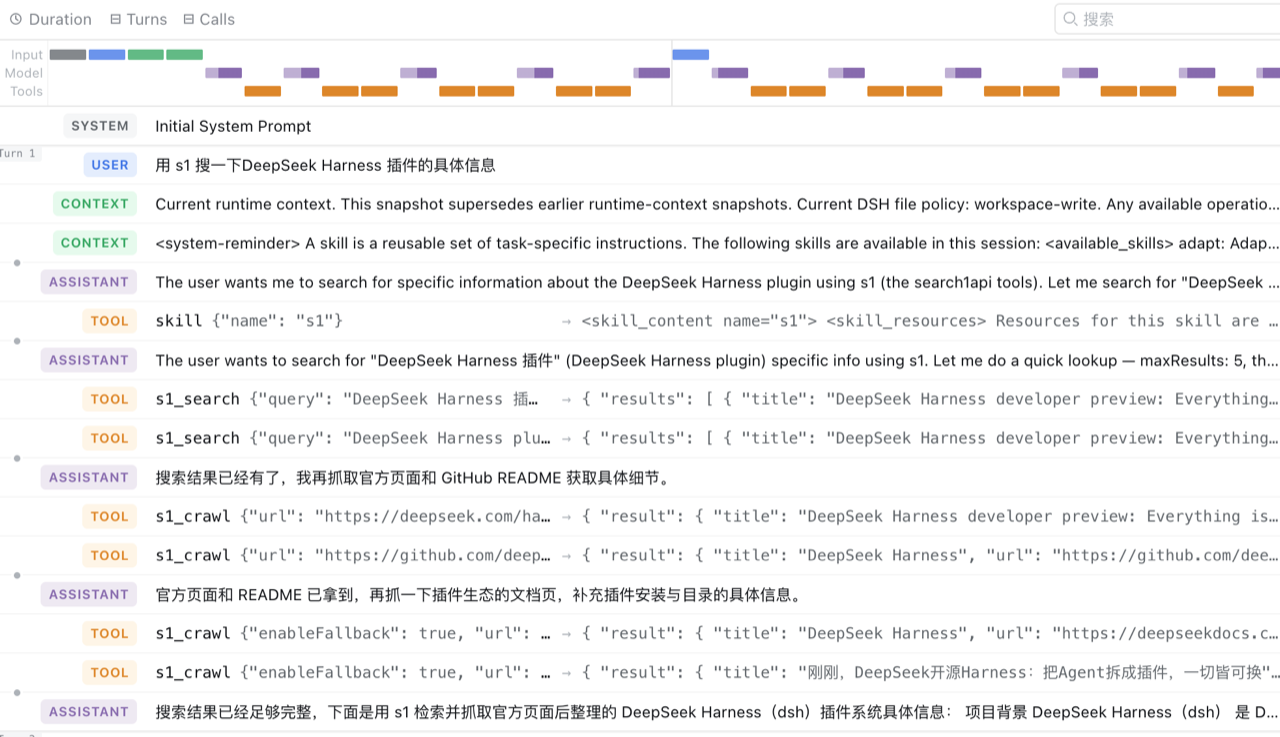
README
目录
Native s1 tools for the DeepSeek Harness (DSH).
Unlike the MCP server (search1api-mcp, a generic bridge that surfaces as
mcp__search1api__*) or the CLI skill (which teaches the model to shell out to
s1), this package registers first-class DSH tools named s1_* — same
layer as read, bash, subagent, workflow. Calls run in-process against
the official @search1api/client SDK.
Tools
| Tool | Backed by | Status |
|---|---|---|
s1_search |
Search1API.search() |
✅ |
s1_news |
Search1API.news() |
✅ |
s1_crawl |
Search1API.crawl() |
✅ |
s1_sitemap |
Search1API.sitemap() |
✅ |
s1_trending |
Search1API.trending() |
✅ |
Not yet implemented: s1_screenshot (needs DSH attachment/image support) and
s1_deepcrawl (long-polling task).
Skill
The package also bundles a s1 skill (ctx.skills.register), which teaches the
model how to pick the right tool and tune parameters — quick lookup vs deep
research, source/recency signals, Chinese-query engine choice, and when to
follow a search result with s1_crawl. It is registered with the tools and can
be disabled independently via skill: false.
Architecture
@search1api/client  (official SDK, in-process)
        │ import
dsh-s1              (Cordis plugin: name/inject/apply)
        │ loaded by the `s1-tools` row in cordis.patch.yml
ctx.tools.register(defineTool({ name: "s1_search", ... }))
        │
DSH model sees `s1_search` as a native tool
The package is both the bundle (its dsh.bundle.patch → cordis.patch.yml)
and the plugin (its main entry exports name/inject/apply). The patch
inserts a single loader row that references the package itself:
- insert:
    - id: s1-tools
      name: 'dsh-s1'
Install into a DSH profile
First publish (or npm link / local path) the package, then:
dsh plugin --profile web add dsh-s1
For a local checkout, use a path spec (the plugin command anchors relative paths to your invoking directory):
cd /Volumes/More/Products/search1api/ecosystem/dsh-s1
npm run build                      # produce lib/index.js + lib/index.d.ts
cd ~/.dsh
dsh plugin --profile web add file:/Volumes/More/Products/search1api/ecosystem/dsh-s1
dsh plugin reconciles dsh.profile.bundles: because this package declares
dsh.bundle.patch, it is appended to the profile's bundle stack automatically.
Authentication
The SDK reads its key lazily, so a missing key fails the tool call (not plugin activation). There is exactly one credential variable:
export S1_KEY=...
OAuth (roadmap — not implemented yet)
s1's API accepts Authorization: Bearer <token> for both an API key
and an OAuth access token, so the transport layer is token-agnostic. The OAuth
flow (browser login, PKCE, token storage, refresh) currently lives only in
search1api-cli (s1 login + auth.ts); @search1api/client does not yet
expose it. The DSH plugin will support OAuth by reusing or sinking that flow,
rather than re-implementing it — tracked separately from this skeleton.
Config
| Key | Default | Description |
|---|---|---|
search |
true |
Register s1_search. |
news |
true |
Register s1_news. |
crawl |
true |
Register s1_crawl. |
sitemap |
true |
Register s1_sitemap. |
trending |
true |
Register s1_trending. |
skill |
true |
Register the bundled s1 skill. |
Development
npm install
npm run typecheck
npm run build
原始 README: https://github.com/superagents-lab/dsh-s1/blob/main/README.md ↗
同类插件
查看全部 →
dsh-anchored-standard
两阶段 DeepSeek Harness 预设:先 Minimal 对齐的 bootstrap,再切完整 Standard 工具(Project2 98/99)

PicGo-Core
极致的图片上传引擎,CLI 与 API 双支持

awesome-deepseek-harness
DeepSeek Harness(DSH)及其优秀社区插件的精选指南。

awesome-deepseek-harness
DeepSeek Harness (DSH)生态系统:来自dsh-external/hub和公共dsh-plugin主题的精选插件、工具和基础设施。

AI-Novel-Writer
本地优先 AI 小说创作工作台,提供 Windows/macOS 桌面版与 DeepSeek Harness 插件开发预览,支持角色、大纲、章节蓝图、审稿修稿和本地模型。

mcp-for-stata
MCP-for-Stata:把 Stata 集成进你的 agent